
Texas government websites are being asked to do more than publish information. Residents expect to find services quickly, complete forms online, use websites on mobile devices, and access information regardless of their abilities. For the public sector, meeting these expectations requires more than a visual redesign. It calls for practical improvements to accessibility, navigation, performance, and the systems behind digital services.
In 2026, this work has become particularly timely. On June 9, the Texas Department of Information Resources (DIR) announced the Texas Design System, a resource offering 37 ready-to-use website components, templates, and implementation guidance.
The development follows Texas House Bill 5195, which directs the public sector to assess their websites and online service portals for improvements. DIR must report to the Legislature on modernization planning progress, common priorities, and challenges by November 15, 2026.
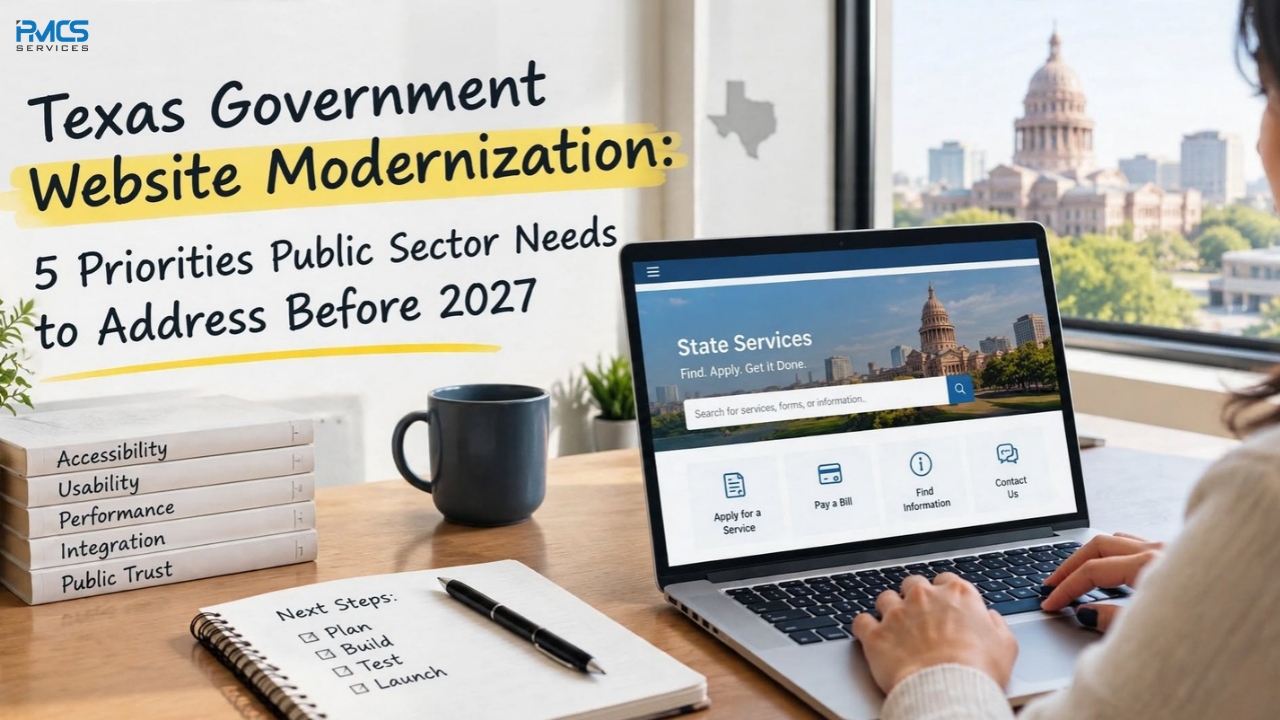
For the public sector planning their next steps, five priorities deserve attention.
1. Make Digital Accessibility Part of the Development Process
A government website should work for everyone, including people who use screen readers, navigate with a keyboard, or need clearer visual presentation.
Accessibility problems are not always obvious. A form may look correct but fail to communicate errors to assistive technology. A menu may work with a mouse but become difficult to navigate using a keyboard. Low-contrast text can make essential instructions harder to read.
Agencies should treat accessibility as an ongoing development requirement rather than a final-stage check.
Practical steps include:
Test forms, menus, buttons, and navigation using a keyboard.
Provide meaningful alternative text for informative images.
Check text contrast, headings, labels, and error messages.
Test important user journeys with assistive technologies.
Include accessibility checks in development, testing, and release processes.
DIR's Texas Design System targets WCAG 2.2 AA, providing a useful direction for the public sector planning improvements. Teams should still assess their own websites and applicable requirements rather than assume that using a component library automatically makes an entire site compliant.
2. Simplify Navigation Around What Residents Need to Do
Government websites often grow over many years. New programs, policy updates, documents, and services add pages, while older content remains online. Eventually, residents may struggle to identify the right page or understand which process applies to them.
The solution is not necessarily to add another search bar or redesign the homepage. Agencies need to examine how people actually look for information.
Start by identifying the most common tasks visitors come to complete. These might include applying for a service, finding eligibility requirements, submitting a form, checking a deadline, or contacting the right department.
Then review whether those tasks are easy to complete.
Useful improvements include:
Organize pages by service or user need, not only by internal department structure.
Replace unclear menu labels with plain language.
Remove outdated, duplicate, or conflicting content.
Make important forms and service instructions easy to find.
Review website search results to identify common failed searches.
Texas HB 5195 specifically calls for the public sector to consider simplifying access to forms, applications, and services. A successful navigation update should therefore be measured by whether people can complete their tasks with less confusion, not simply by whether the website looks newer.
3. Design for Mobile Use From the Beginning
Residents may access government services while travelling, during a work break, or from home using a phone with limited connectivity. If a page requires excessive scrolling, displays an unusable form, or hides essential actions on a small screen, the digital service becomes harder to use.
Responsive design is an important starting point, but a mobile-friendly website requires more than shrinking a desktop layout.
Agencies should test complete user journeys on different screen sizes. Can someone read the instructions without zooming? Can they select a date, upload a document, correct a form error, and submit an application without losing entered information?
Review these areas:
Form fields, buttons, menus, and touch targets.
Page layouts across common mobile screen sizes.
Readability, spacing, and text scaling.
Document downloads and file-upload workflows.
Performance on slower connections and older devices.
Mobile testing should cover the actual services residents use, not only the homepage. This helps the public sector find issues that a visual review alone may miss.
4. Connect the Website to the Systems Behind the Service
A modern interface cannot fix a fragmented process on its own.
A resident may complete an online form only to discover that the information must be entered again into another system. Staff may still move data manually between applications, or a website may display information that is no longer current. These gaps create delays for the public and additional work for agency teams.
This is where integration and legacy modernization become important.
Agencies should map how information moves from the public-facing website into internal applications, databases, case-management systems, and reporting tools. They can then identify duplicate data entry, disconnected workflows, outdated interfaces, and opportunities to automate routine steps.
Depending on the agency's needs, improvements may include:
Integrating online forms with existing business applications.
Using APIs to exchange information between systems.
Modernizing legacy applications without disrupting essential services.
Improving data quality and reducing repetitive manual work.
Planning secure deployment, testing, and post-launch support.
The objective is not to replace every existing system. It is to make the overall service more connected, reliable, and maintainable while respecting operational and security requirements.
5. Measure Whether Modernization Is Actually Working
A redesigned website may look better without making services easier to use. Agencies need evidence that changes are improving the public's experience.
Before making major changes, establish a baseline using available analytics, service data, and user feedback. After implementation, compare results over time.
Useful measures include:
Task completion: Can visitors successfully finish important online processes?
Search effectiveness: Are users finding the information they need?
Form abandonment: At which steps do people stop or encounter problems?
Page performance: How quickly do important pages load?
Accessibility issues: Are identified barriers being resolved?
Support requests: Are avoidable questions or repeated requests decreasing?
Not every metric will be relevant to every agency. Choose measures that connect directly to service outcomes and review them regularly. Feedback from residents and frontline staff can also reveal problems that website analytics cannot explain.
Texas HB 5195 provides for biennial reviews of modernization efforts, including cost-efficiency, public access, and alignment with statewide guidance. Establishing meaningful measures now can help the public sector evaluate progress and make better-informed decisions about future investment.
A Practical Starting Plan for Texas Agencies
Modernization does not have to mean rebuilding an entire website at once. A phased approach can help the public sector address the most important issues while keeping essential services available.
First, assess. Review accessibility, navigation, mobile usability, page performance, content quality, and the systems supporting key services.
Next, prioritize. Identify high-traffic pages, essential public services, recurring user complaints, and barriers that prevent people from completing tasks. Rank improvements by impact, risk, effort, and available resources.
Then, implement and test. Use appropriate statewide guidance and reusable components where they fit. Test changes with real user journeys, validate integrations, and include accessibility and performance checks before release.
Finally, monitor and improve. Track agreed measures, collect feedback, address new issues, and plan ongoing maintenance. Modernization should be treated as a continuing service improvement process, not a one-time project.
How PMCS Services Can Support Modernization
Successful modernization brings together application development, integration, accessibility, testing, and ongoing technical support. Agencies need solutions that fit their existing environments and operational requirements, not simply a new front end.
PMCS Services' IT Solutions and Development team works across custom application development, legacy modernization, enterprise integration, cloud migration, data and analytics, and application support. These capabilities can help organizations assess technical challenges and plan improvements across the application lifecycle.
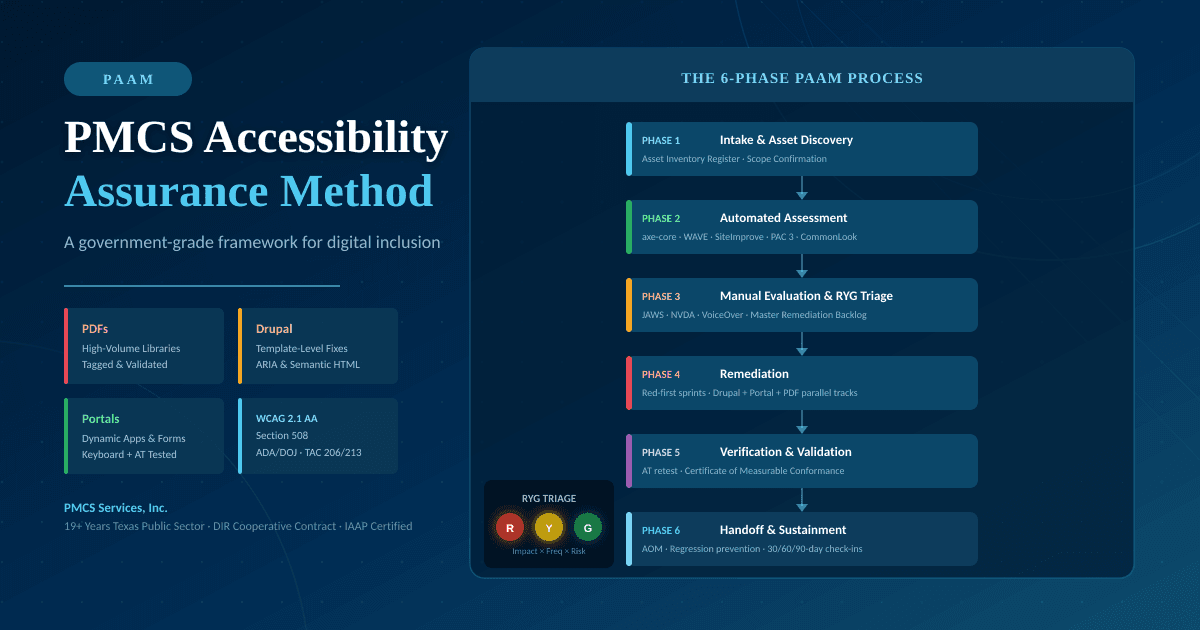
PMCS also outlines its approach to accessibility and WCAG 2.1 AA. Specific requirements should be assessed for each project, particularly where statewide guidance or newer accessibility standards apply.
For the public sector, the priority is clear: make digital services easier to access, simpler to navigate, more reliable on mobile devices, and better connected to the systems that deliver public services.
The most effective modernization projects start with the people using those services, define measurable outcomes, and build improvements that can be maintained long after launch.
Learn more about PMCS Services and its IT solutions for government and enterprise organizations.